Book guide and evaluation
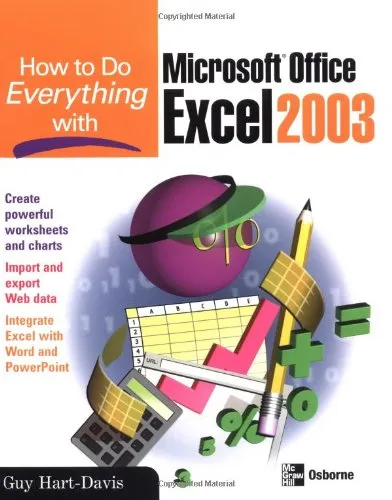
How to Do Everything with Microsoft Office Excel 2003
Guy Hart-Davis
English
Intermediate
novel
4.3 / 5
0 reviews
2003
Published
450
pages
322
views
Here is the ideal resource for anyone who wants to get the most out of all the new and enhanced features Excel has to offer. Learn the best methods for formatting, printing, and sharing worksheets, adding graphics, importing and exporting data to and from the Web - and much more.
Before you read
What will you get from this book?
Here is the ideal resource for anyone who wants to get the most out of all the new and enhanced features Excel has to offer. Learn the best methods for formatting, printing, and sharing worksheets, adding graphics, importing and exporting data to and from the Web - and much more.Kate J. Chase (Marshfield, VT) is an author, journalist, and online technical support consultant who has written, contributed to, or edited more than a dozen PC reference books, including PC Disaster and Recovery (Sybex, Christmas 2002) and Instant E-Commerce! (Sybex, 2001), as well as Windows XP Power Tools (Sybex, 2002), Office XP Complete (Sybex, 2002), Microsoft Office 2000 Troubleshooting and Problem Solving (Course Technology, 2000), and The IRQ Book (McGraw-Hill, 1999).Kate has been an active participant in Microsoft's Office beta program and has been using the Office 11 beta since November. Her work has appeared on Microsoft.com's Office Web site as well on the Microsoft Network, America Online and ZDnet in addition to her books in print.
Ask this book
Your question is answered in the context of this title and author. Each answer uses 2 points.
Sign in to ask the book assistant.
Reader reviews
0 reviews, 4.3 average out of 5
No reviews yet
If you have read this book, help the next reader with your experience.
Write a review
Sign in to publish a review.
Reader questions and answers
Ask a focused question and learn from the community.
Sign in to ask or answer a question.
No questions yet
Be the first to ask a clear, useful question.
What to read next
Related references that continue this learning path.
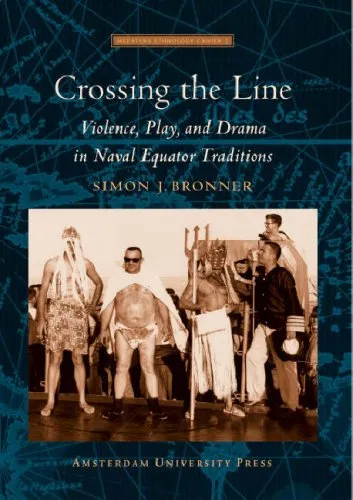
Crossing the Line: Violence, Play, and Drama in Naval Equator Traditions
Simon J. Bronner
2007
View book