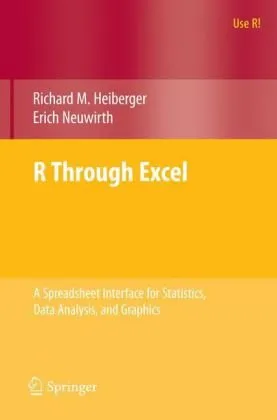
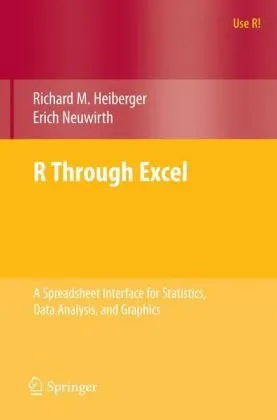
R Through Excel: A Spreadsheet Interface for Statistics, Data Analysis, and Graphics
Richard M. Heiberger,Erich Neuwirth (auth.)
2009
View book
Book guide and evaluation
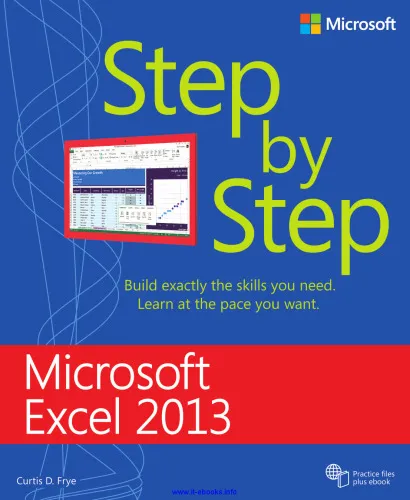
Curtis D. Frye
0 reviews
Published
pages
views
Microsoft Excel 2013 Step by Step Excel 2013 tutorials, spreadsheet mastery Master core skills with Microsoft Excel 2013 Step by Step — an authoritative guide to efficient, professional spreadsheet use. Analytical Summary Microsoft Excel 2013 Step by Step serves a
Before you read
Microsoft Excel 2013 Step by Step serves as a structured, comprehensive path for learners aiming to excel in data management, analysis, and presentation using one of the most essential tools in modern business and academia. Written with clarity and precision, it is meticulously organized into sequential lessons that start with foundational concepts and progress towards advanced functionalities. This pedagogical approach empowers readers to build their skills progressively, ensuring no essential step is missed.
From creating and formatting workbooks to harnessing powerful functions, charts, and PivotTables, the guide addresses the needs of a broad range of readers—from beginners taking their first steps into spreadsheet software to seasoned professionals refining their expertise. The book’s detailed coverage maps logically to the features of Excel 2013, helping readers understand not just the “how” but the “why” of each technique. Its methodical presentation makes it especially valuable in academic settings and professional development contexts.
Information unavailable regarding any awards or formal recognitions the title may have received, as no reliable public sources confirm such details. Nonetheless, the work’s consistent inclusion in recommended learning lists for office productivity signals its importance in the broader landscape of spreadsheet education.
Readers will emerge from Microsoft Excel 2013 Step by Step with practical, actionable skills that directly translate into higher productivity and greater analytical accuracy in their professional or academic work.
Key takeaways include: how to navigate the Ribbon interface efficiently; mastering formulas and functions for automated calculations; implementing data visualization techniques; understanding data validation for quality assurance; and optimizing workflows through templates and macros.
"Excel is not just a tool for numbers; it is a canvas for clear thinking and effective communication." Unknown
"Step by step learning ensures mastery through consistency and practical application." Unknown
"Structured guidance transforms complexity into manageable, repeatable processes." Unknown
In today’s data-driven world, proficiency in spreadsheet software can elevate academic research, business intelligence, and personal productivity to unparalleled heights. Microsoft Excel 2013 Step by Step stands out as a well-organized and approachable resource that brings these benefits within reach of any committed learner.
Unlike unstructured online tutorials, this guide provides a coherent learning journey with progressively challenging exercises. The emphasis on practical examples ensures that readers develop transferable skills applicable across industries, from finance and engineering to education and creative projects. In mastering Excel 2013, professionals and academics can better analyze data, present information convincingly, and make informed decisions based on accurate calculations.
The book’s methodological focus and clear explanations encourage consistent learning habits—crucial for anyone aiming to integrate Microsoft Excel into their daily toolkit. Such structured competence leads to not only efficiency but also confidence in tackling complex data-related challenges.
Whether you are a student embarking on research projects, a manager seeking to streamline reporting processes, or a professional analyst tasked with interpreting complex datasets, Microsoft Excel 2013 Step by Step offers the structure, clarity, and practical wisdom to make mastery attainable.
By following its carefully designed progression, you will not only understand the features of Excel 2013 but also gain the capacity to adapt those skills to evolving software and data analysis challenges. The book invites you to read actively, apply your learning in real-world contexts, share your insights with peers, and discuss methods that resonate most with your workflow.
Take the next step—engage deeply with the lessons, embrace the exercises, and let Microsoft Excel 2013 Step by Step become your trusted reference as you navigate the digital landscape of modern productivity.
Your question is answered in the context of this title and author. Each answer uses 2 points.
0 reviews, 4.5 average out of 5
Sign in to publish a review.
Ask a focused question and learn from the community.
Related references that continue this learning path.
Richard M. Heiberger,Erich Neuwirth (auth.)
Richard M. Heiberger,Erich Neuwirth (auth.)